

Any user of Barracuda’s Email Security Service knows that the most important feature is the message log. Most Essentials customers spend about 90% of their time in the message log. Administrators log using it at least twice a week! For such highly used features, even small usability improvements can make a big impact. While they may not be huge, Barracuda has made adjustments to help Essentials customers.
Message log reading pane
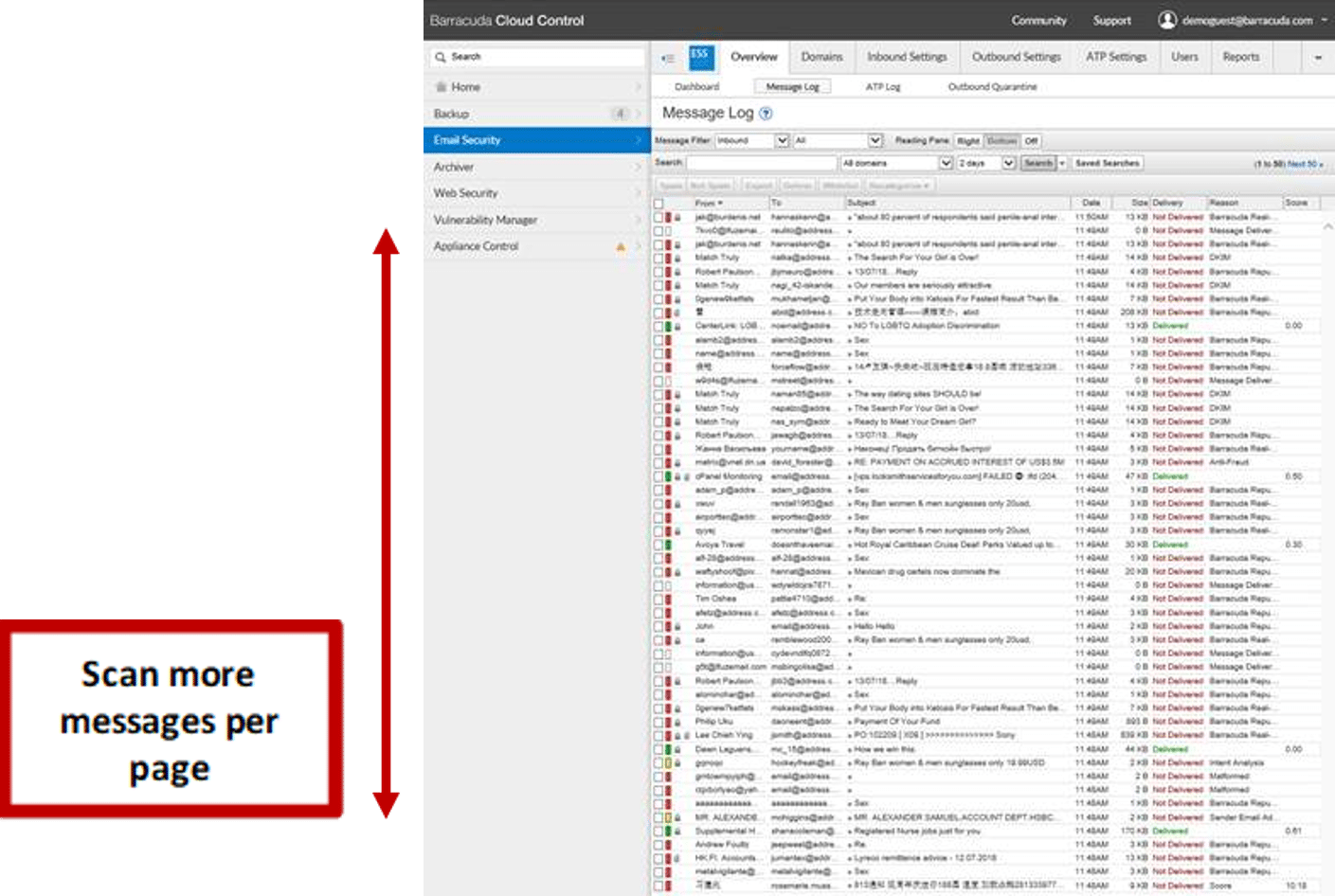
Initially, when customers entered the message log, the page was, by default, split into two parts. The log of messages on the top and the reading pane at the bottom of the page. The reading pane took up too much space and it wasn’t easy to figure out how to get rid of it. Administrators have to go through thousands of messages a day and this made it cumbersome for them to scroll through the messages. Now, the reading pane is hidden by default when customers access the message log. It will only open when customers click on a message. They can easily dismiss the reading pane by clicking on the ‘x’ in the upper right corner of the window. This makes it easy for administrators to quickly scan through a longer list of messages and move on to the next page.
Improvements in the message log for the end user
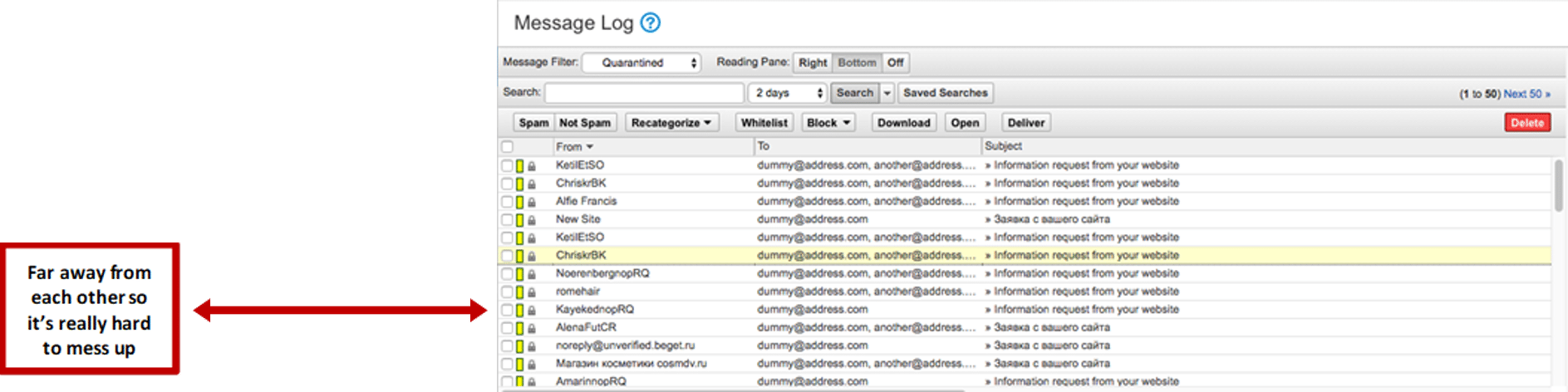
Barracuda received end user feedback that they would like the ‘Delete’ and ‘Deliver’ buttons to be repositioned. The buttons were right next to each other and customers invariably clicked on one instead of the other. They have repositioned the ‘delete’ button to the far right. The delete button has a different look compared to other buttons. It is now red to alert customers of its significance.
 Have feedback fforBarracuda? Let them know! These changes show that they’re dedicated to making the user experience better and listen to user requests.