

 LinkedIn now allows anyone with a profile to now add a background image.
Once limited to those with Premium accounts, this new capability is now available to everyone with a LinkedIn account.
LinkedIn added this feature about 3 months ago.
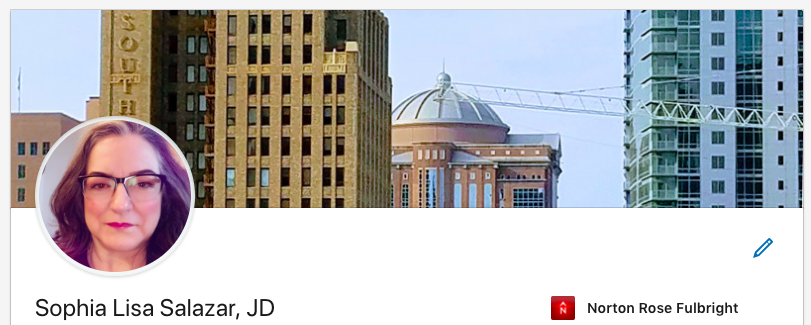
To add, go to your LinkedIn profile and click on the pencil icon located to the right of your photo, then upload photo in the area above your headshot. You can modify the photo for scale, coloring and even add a filter to the photo.
Be aware that the images should be limited to:
- file types of JPG, GIF or PNG,
- no larger than 8MB, and
- recommended pixel dimensions of 1584 (w) x 396 (h) pixels.
Be mindful that images should be licensed for re-use and not copyrighted. Here are a few sources for re-usable images:
Many of these images may look familiar as they are accessible by anyone with unlimited usage. So user beware.
You might consider using a photo that you took yourself–that’s what I did.
If you have advanced photo editing skills or are willing to work with a designer, you might consider a customized image that promotes your brand.